
Properties
Property Overview
Property records, the Properties page, individual property pages, notes, maps, listing profiles, and status at a glance.
What Properties Are For
Properties are the foundation of PropioLedger. Rentals, renters, payments, expenses, notes, listing profiles, maps, and property financials all connect back to a property.
Use the Properties page for portfolio scanning and the individual property page for a single property record, financials, rentals, expenses, notes, listing details, and map context.
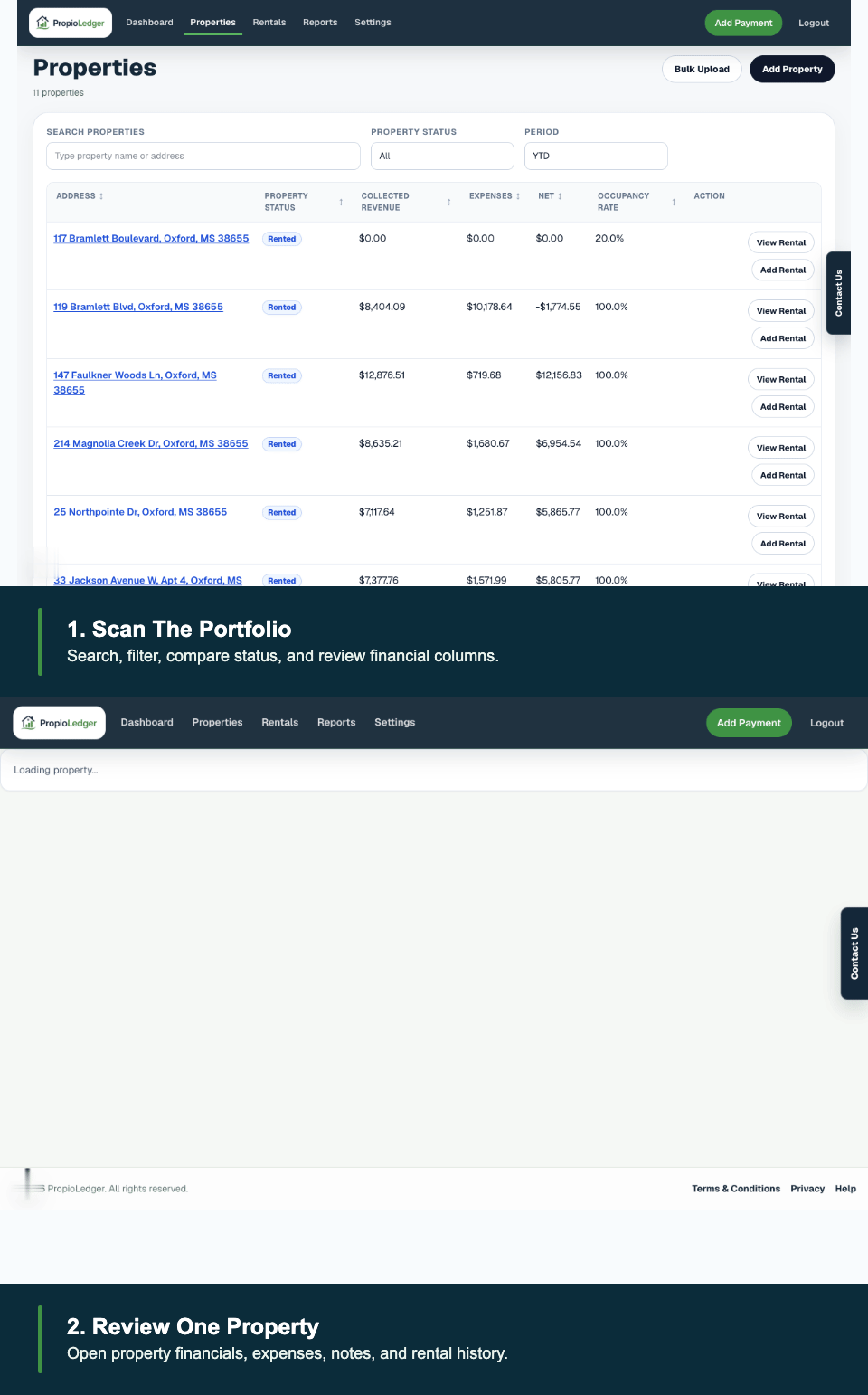
What You Can Do From A Property
- Review the property address, status, current tenant, and default rental rates.
- Add or view rentals connected to the property.
- Review property financials, rental history, cashflow, and expenses.
- Add operational notes for the property.
- Maintain listing profile details and generate copy-ready listing text.
- View map context when maps are enabled and coordinates are available.
Status And Current Tenant
A property shows Rented when it has an active rental whose date range includes today. It shows Vacant when no active rental exists for today.
The current tenant is chosen from the active rental whose date range includes today. If more than one current rental exists, the rental with the latest start date wins.
Last Updated
May 2026