
Payments
Payment Allocation Rules
Understand how payment type, charge type, payment date, refunds, excess payments, and credits determine how payments apply to the Rental Ledger.
Overview
The Rental Ledger applies balance-applying payments to open charges. The payment record stays as one posted payment, while the ledger calculates how much of that payment applies to each charge.
When a payment is created from selected open balance lines, PropioLedger stores those selected charge targets with the payment and honors them first. If any payment amount remains after those selected targets, the normal allocation rules handle the remainder.
This keeps balances consistent across Rental Detail, Rentals, Dashboard, reports, invoice tracking, and payment history.
Allocation Order
The ledger sorts balance-applying payments by payment date, then applies them to open charges. Payments with earlier dates are considered before later payments.
Payment type can also target specific charge types before any broader allocation is used.
Targeted Payment Types
- A Security Deposit payment targets unpaid security-deposit charges.
- A Last Month Rent payment targets an unpaid last-month-rent charge.
- A Pet Deposit payment targets an unpaid pet-deposit charge.
- A Cleaning Fee payment targets an unpaid cleaning charge.
- Rent and Late Fee payments apply to remaining charges in charge order when they are not targeting a specific deposit or cleaning charge.
Excess Payments And Credits
If a payment is larger than the currently open matching charges, the extra amount becomes unapplied credit. That credit can apply to future charges as they appear in the ledger.
This is why a payment can sometimes affect a future charge after the visible ledger period changes or a new charge is added.
Nightly Rentals
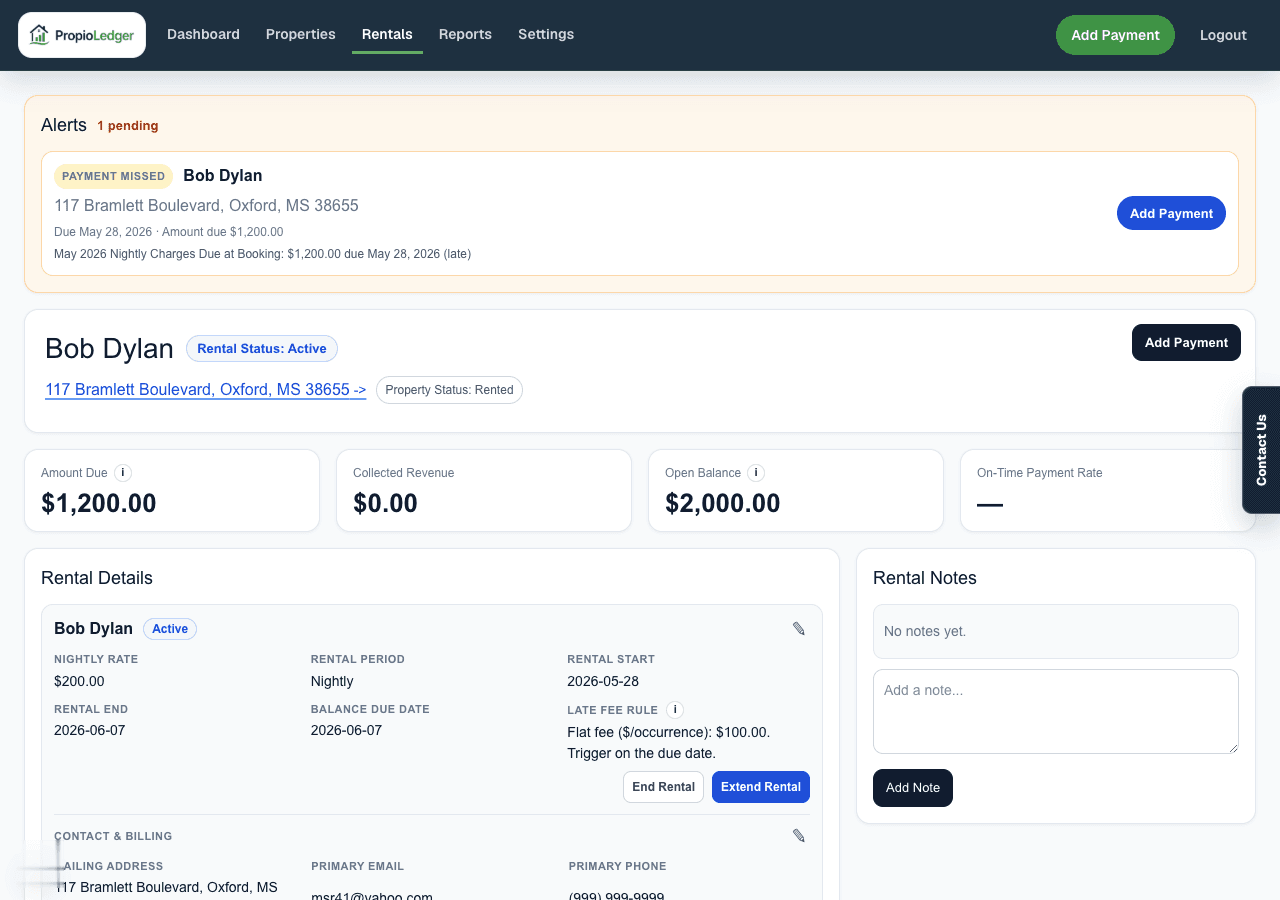
For nightly rentals, the primary rent charge is labeled Nightly Charges. If part of the nightly charges is due at booking, the booking-due portion is shown as Nightly Charges Due at Booking and treated as rent.
The remaining nightly charge is reduced by the booking-due portion so the ledger does not double count the stay balance.
Refunds And Net Payments
Ledger and revenue calculations use the net collected amount, which is payment amount minus refunded amount.
A full refund removes the payment from allocation. A partial refund keeps only the unrefunded portion available for allocation.
Payments After Rental End
Payments recorded after a rental end date can still apply to that ended rental balance when the payment is scoped to the rental.
Ending a rental closes the occupancy period, but it does not erase remaining charges or prevent later balance collection.
Common Questions
- Can I apply one payment to selected ledger rows?Yes. When you choose open balance lines in Add Payment, PropioLedger stores those selected targets with the payment and applies them before fallback allocation rules.
- Why did an overpayment apply to a future charge?Extra payment amount becomes unapplied credit and can apply as future charges appear.
- Why did my refunded payment stop reducing the balance?A refund reduces the net collected amount available for allocation.
Last Updated
August 2026