
Payments
Refunds
Understand refund amounts recorded during End Rental and Cancel Rental, and how they affect payment history, balances, revenue, and property cashflow.
Overview
Refunds reduce the effective amount collected without deleting the original payment record. This preserves payment history while keeping balances and reports accurate.
In the current workflow, refunds are not a standalone Payment Ledger action. Refund amount fields appear during rental lifecycle actions: End Rental for deposit refunds and Cancel Rental for refund line items on future bookings.
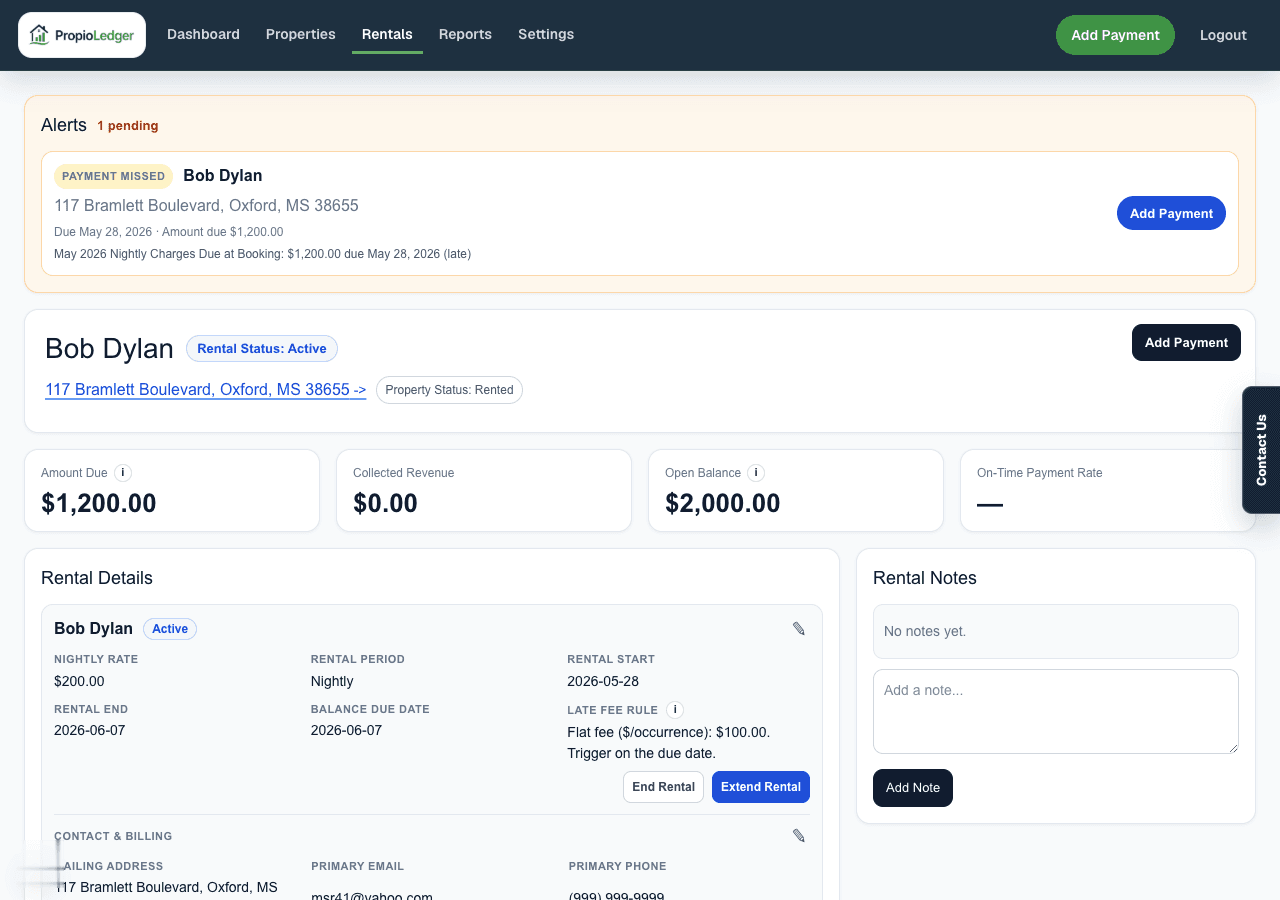
Where Refunds Are Recorded
- End Rental: can show Deposit Refunds when refundable deposit payments exist.
- Cancel Rental: can show Refund Line Items for paid charges on a future booked rental.
- Payment Ledger: shows posted payment records and refund details, but does not provide a standalone refund action.
Refunds Versus Waived Charges
Use a refund when money was already collected and is being returned to the renter. A refund reduces the net payment amount available for allocation and can reduce revenue or property cashflow totals.
Use Waive when a charge is still unpaid and the renter no longer owes it. Waived charges reduce the balance, but they are not payments and they are not returned cash.
Use Void for a clerical payment-entry mistake where the original payment should not have been posted. After voiding, add a corrected payment if needed.
Full Refunds In Lifecycle Actions
A full refund removes the refunded payment amount from revenue and balance allocation. The original payment record remains for audit history, but the refunded portion no longer reduces what is owed.
Partial Refunds In Lifecycle Actions
A partial refund keeps the unrefunded portion active in revenue and ledger calculations. For example, if a $1,000 payment has a $250 refund, only $750 remains available as net collected amount.
End Rental Deposit Refunds
Ending a started rental can show Deposit Refunds when the rental has refundable deposit payments. Refund amounts default to the unrefunded deposit balance, and any reduced amount is treated as retained on the ledger.
Use Refund / retention notes to document why a deposit was returned or retained.
Cancel Rental Refunds
Canceling a future rental can apply refund amounts across the rental existing unrefunded payments. The Cancel Rental modal can show Refund Line Items, Full and None shortcuts, individual Refund amount fields, and Refund Notes.
Set every refund amount to 0.00 to cancel the future booking while keeping collected revenue unchanged.
Reporting And Cashflow Impact
Refunds reduce collected amounts and reduce revenue when the refunded payment type counted as revenue.
Property cashflow displays refunds as their own cash outflow column. Returned deposits and other payment refunds reduce net cashflow without being reported as property expenses.
Things To Watch For
- Use lifecycle refund fields for paid amounts that were returned to the renter.
- Use the Waive button for unpaid balances that will no longer be collected.
- A refund can make a previously paid charge open again because the net payment available for allocation is lower.
- Do not delete a payment just because money was returned; use End Rental or Cancel Rental refund fields so history remains auditable.
- Use Void only for clerical corrections where the original payment should no longer affect balances. Actual returned money should be recorded as a refund.
Common Questions
- Does a refund delete the payment?No. The original payment remains, and the refunded amount reduces the net collected amount.
- Does a refund reduce revenue?Yes, when the refunded payment type counted as revenue.
- Does a refunded deposit become an expense?No. Property cashflow shows refunds as cash outflow, not as property expenses.
Last Updated
August 2026