
Import Center
Expense Imports
One-time property expense import fields, validation, append-only behavior, and reporting impact.
Overview
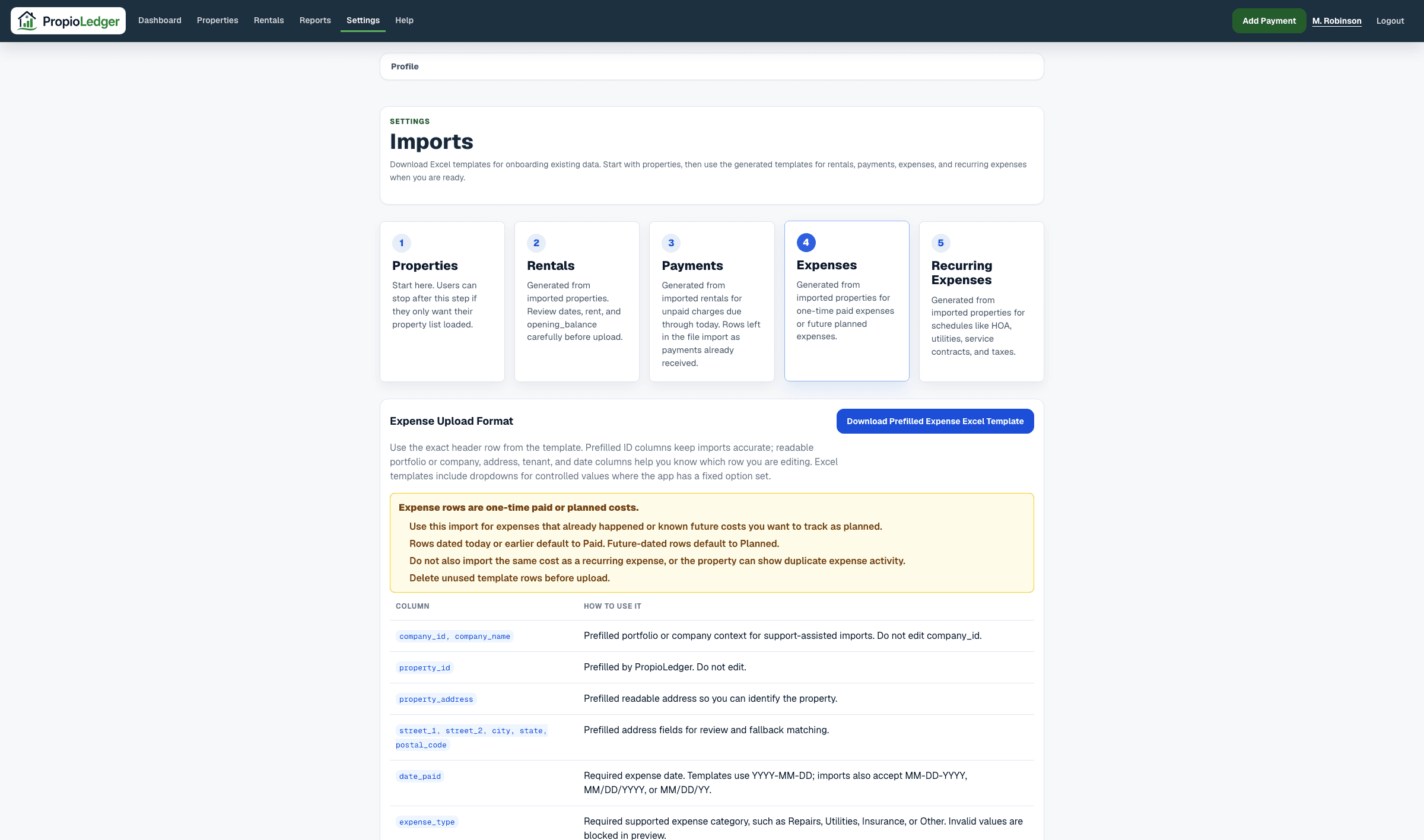
Expense imports add one-time property expenses. Use this import for costs that already happened or future planned costs that should be tracked on a property.
Expense imports append new expense rows. They do not intentionally overwrite or delete existing property expenses.
Imported expenses dated today or in the past default to Paid. Imported expenses dated in the future default to Planned.
Template Columns
- company_id and company_name: company context. Do not edit company_id.
- property_id: prefilled by PropioLedger. Do not edit.
- property_address and address columns: readable property context.
- date_paid: required expense date.
- expense_type: required supported expense category.
- amount: required expense amount.
- paid_by: optional landlord/operator, tenant, or owner.
- vendor and notes: optional supporting detail.
Validation Rules
- Property ID must belong to the selected company.
- Expense date is required.
- Expense type must be a supported expense category.
- Amount must be greater than 0.
- paid_by must use one of the supported controlled values when provided.
What Import Creates
Confirming expense import creates property_expenses rows. Paid and included planned rows appear in the property Expenses Summary and Ledger, property cashflow, Cashflow Report, Accounting Report, and dashboard expense metrics.
Future-dated imported rows are Planned and may show with a P marker until they are edited to Paid or Canceled.
Do not import the same historical cost as both a one-time expense and a recurring expense occurrence unless duplicate expense activity is intentional.
Related Guides
Last Updated
August 2026