
Import Center
Recurring Expense Imports
Recurring expense schedule import fields, due occurrence materialization, validation, and avoiding duplicate expense activity.
Overview
Recurring expense imports create schedule rules for property expenses that repeat, such as HOA fees, utilities, service contracts, insurance, taxes, or maintenance contracts.
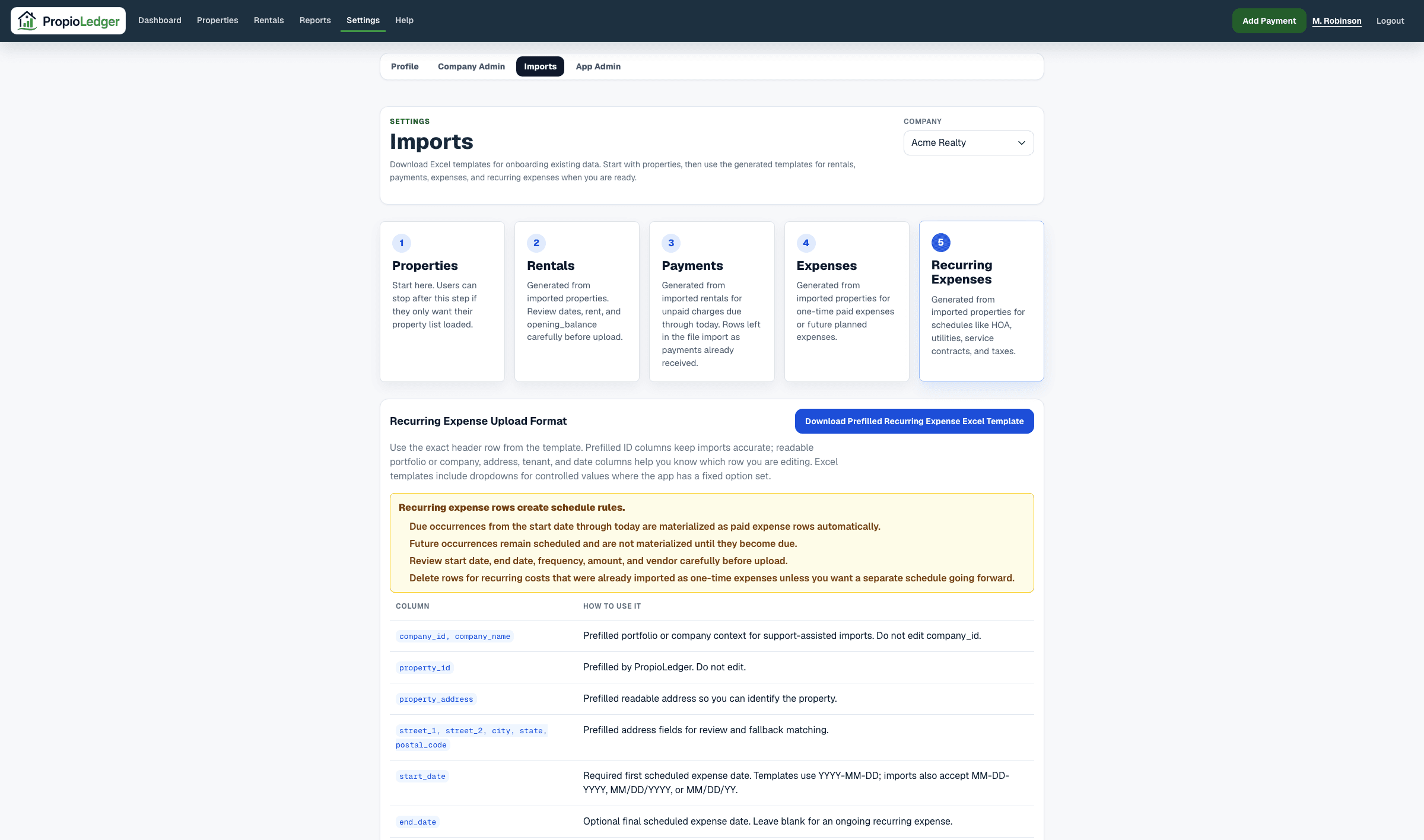
Due occurrences from the schedule start date through today are posted to the property expense ledger during import. Future occurrences remain scheduled and are not posted until they become due.
Template Columns
- company_id and company_name: company context. Do not edit company_id.
- property_id: prefilled by PropioLedger. Do not edit.
- property_address and address columns: readable property context.
- start_date: required first scheduled expense date.
- end_date: optional final scheduled expense date. Leave blank for an ongoing recurring expense.
- frequency: required weekly, monthly, quarterly, or yearly.
- expense_type: required supported expense category.
- amount: required regular occurrence amount.
- paid_by: optional landlord/operator, tenant, or owner.
- vendor and notes: optional supporting detail copied to generated occurrences.
How Due Occurrences Work
The recurring import creates a series rule in property_recurring_expenses. It then materializes due occurrences into posted property_expenses rows from the start date through today.
Future occurrences stay scheduled. They are not included in paid expense totals until they become due and are materialized.
Validation Rules
- Property ID must belong to the selected company.
- Start date is required.
- End date must not be before start date when provided.
- Frequency must be weekly, monthly, quarterly, or yearly.
- Expense type must be a supported expense category.
- Amount must be greater than 0.
- paid_by must use one of the supported controlled values when provided.
Avoiding Duplicates
Do not import the same historical cost as both a one-time expense and a recurring expense occurrence unless duplicate expense activity is intentional.
If prior occurrences were already imported as one-time expenses, either start the recurring series after those dates or remove the duplicate one-time rows before import.
Related Guides
Last Updated
May 2026