
Import Center
Payment Imports
Expected-payment worksheets, payment fields, deleting unused rows, validation, and how imported payments reduce rental balances.
Overview
Payment imports are for payments already received before or during onboarding. Download the payment template after rentals are in place.
Payment templates are generated from unpaid rental ledger charges due today or earlier. Every row left in the file imports as a payment, so delete rows for money you have not collected.
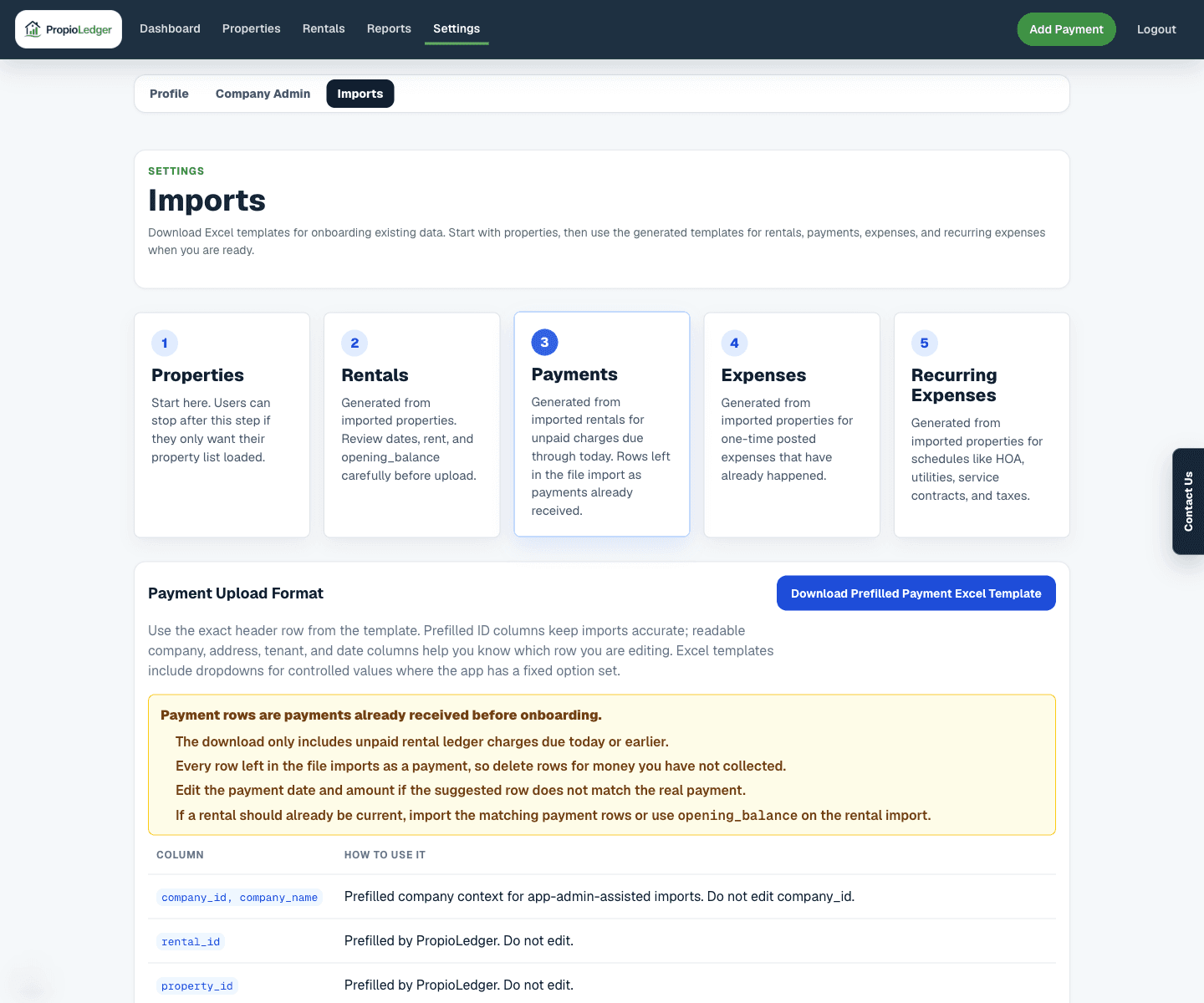
Template Columns
- company_id and company_name: company context. Do not edit company_id.
- rental_id: prefilled by PropioLedger. Do not edit.
- property_id and property_address: property context.
- tenant_name and rental dates: readable rental context.
- expected_line_item and due_date: ledger context for the unpaid charge.
- payment_date: suggested from the due date; edit to the actual received date.
- payment_month: display month for review; import recalculates this from payment_date.
- amount: suggested from the remaining expected charge; edit to the real collected amount.
- payment_type: suggested from the charge type and must use a supported payment type.
- notes: optional payment notes.
Critical Rule
Every row left in the payment file imports as a posted payment. Delete rows that do not represent money actually received.
If the suggested amount or date is not correct, edit the row before upload.
Validation Rules
- Rental ID and property ID must belong to the selected company.
- Payment date is required.
- Amount must be greater than 0.
- Payment type must be a supported controlled value.
- Invalid payment types are blocked in preview.
What Import Creates
Confirming payment import creates payment transaction rows. The Rental Ledger applies those payments using the app payment allocation rules.
Imported payments can reduce open balances, past due balances, dashboard metrics, and report totals based on payment type, date, and refund status.
Related Guides
Last Updated
May 2026