
Import Center
Property Imports
Property template fields, required address data, duplicate warnings, preview behavior, and import results.
Overview
Property imports add property records in bulk. This is the first import step and the only required starting point for the rest of the Import Center.
Imported properties start as Vacant until rentals are added.
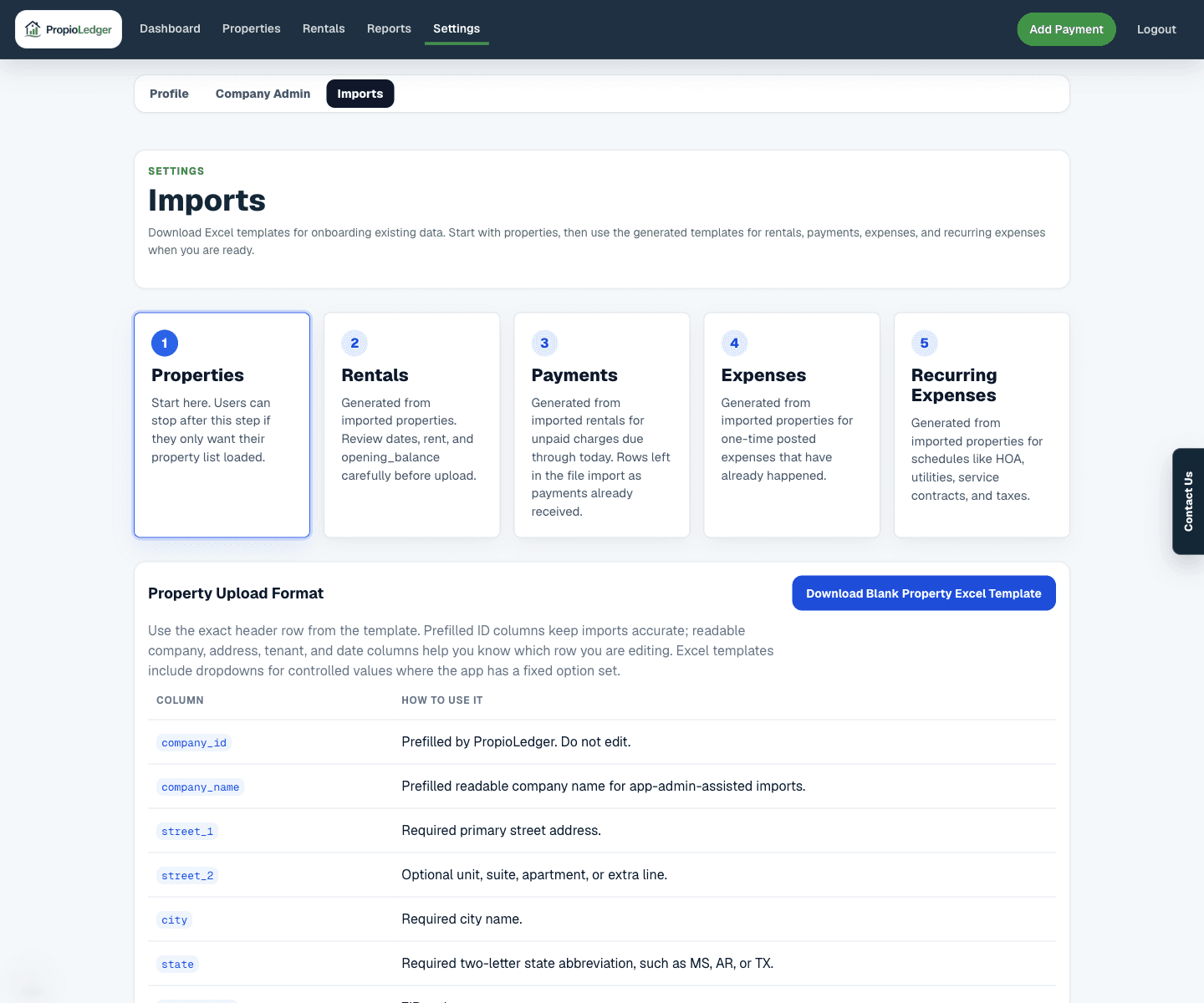
Template Columns
- company_id: prefilled by PropioLedger. Do not edit.
- company_name: readable company context for review.
- street_1: required primary street address.
- street_2: optional unit, suite, apartment, or extra address line.
- city: required city.
- state: required two-letter state abbreviation.
- postal_code: ZIP or postal code.
- default_monthly_rate: optional property-level default monthly rent for future rental setup.
- default_nightly_rate: optional property-level default nightly rate for future rental setup.
- description: optional property description.
Validation Rules
- Street 1, city, and state are required.
- State should use a two-letter abbreviation such as MS, AR, or TX.
- Default monthly and nightly rates are optional numeric values.
- Duplicate addresses in the upload produce warnings.
- Addresses that appear to match existing properties produce warnings.
What Import Creates
Confirming a property import creates property rows owned by the selected rental owner account or portfolio. The property display address is derived from the structured address fields.
Property imports do not create rentals, payments, expenses, or recurring expenses. Continue with later templates after properties are in place.
Common Fixes
- If a row errors, confirm the required address fields are present.
- If a duplicate warning appears, decide whether the row is truly a separate property before confirming.
- If default rates are wrong, correct the spreadsheet before upload or edit the property later.
Related Guides
Last Updated
May 2026